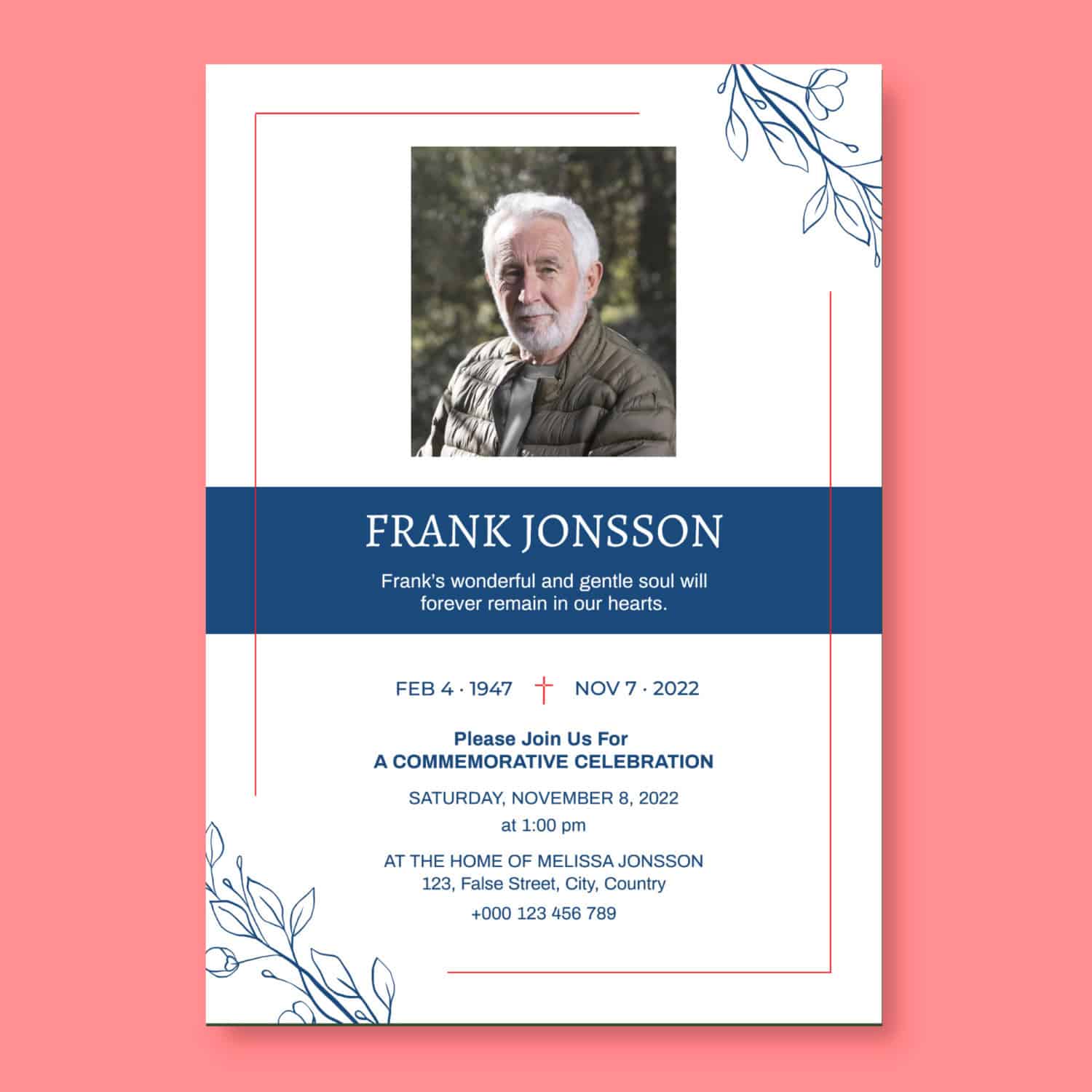
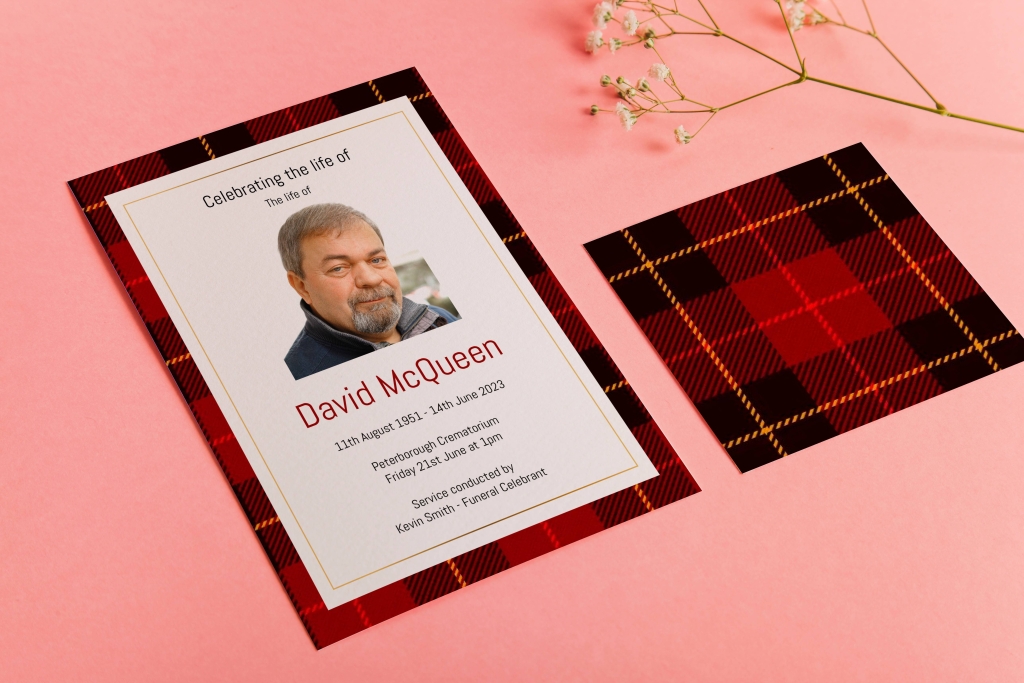
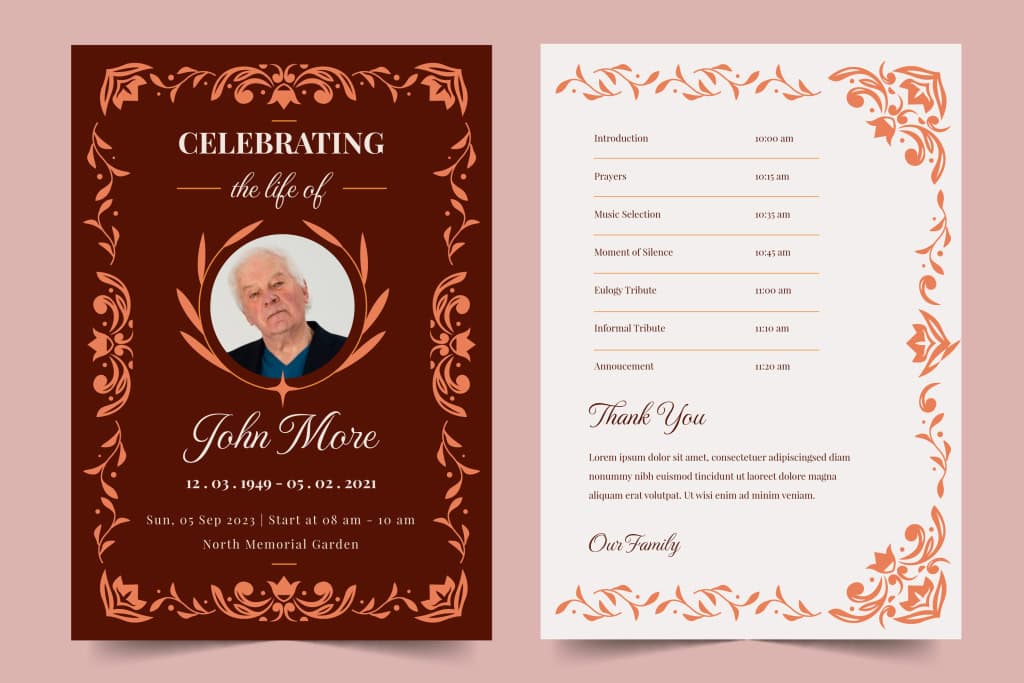
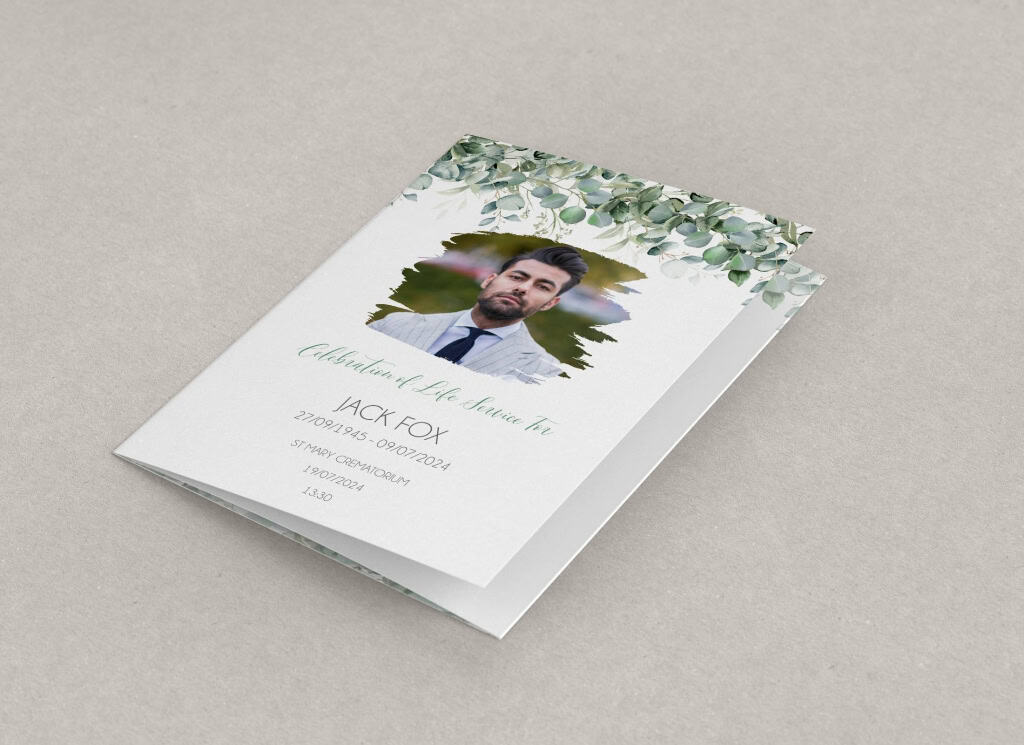
Not every funeral order of service booklet needs to follow a traditional style. Many families today want an order of service that feels clean, contemporary and true to their loved one’s style – creating a keepsake they can treasure.
Modern funeral order of service templates are designed exactly for that. They use minimalist layouts, bold typography and beautiful photo‑focused designs to create a booklet that feels fresh, uncluttered and deeply personal, while still remaining respectful.
In this guide, we’ll walk through:
- What makes a funeral template “modern”
- Different styles of modern designs (minimal, typography‑led, photo‑rich)
- How to choose the right modern template for your loved one
- Step‑by‑step tips for customising a modern layout
- Design dos and don’ts so it still feels appropriate for a funeral
- FAQs about modern funeral order of service templates
When you’re ready to start creating, you can browse and edit designs here:
Free funeral order of service templates – easily customisable.

What Makes a Funeral Template “Modern”?
“Modern” doesn’t mean loud or flashy. In funeral stationery, it usually means:
- Clean, uncluttered layouts with plenty of white space
- Simple colour palettes – often neutral with one or two accent colours
- Bold, clear typography instead of ornate script fonts everywhere
- Strong use of photography, sometimes with full‑page images
- Subtle details instead of heavy borders and decoration
The overall effect is:
- Calm
- Easy to read
- Stylish without being distracting
Modern templates are especially popular when:
- The person was known for their good taste, creativity or love of design
- You’re planning a “celebration of life” rather than a very formal, traditional service
- There’s a mix of guests who may not be used to church or older styles of programmes
You can filter for “Modern” and similar styles on your main templates page:
Browse free funeral order of service templates.
Minimalist Funeral Order of Service Designs
Minimalist designs follow the idea that less is more. Instead of lots of decoration, they focus on:
- Clear, simple fonts
- Generous spacing between lines and sections
- One or two key colours
- A small number of carefully chosen photos
Why Families Choose Minimalist Designs
Minimalist templates are ideal when:
- Your loved one preferred simple, unfussy style
- You want the focus to be on the wording and photos, not the decoration
- You’re worried about making design mistakes – clean templates are harder to “overdo”
They also tend to look timeless. If you picked the booklet up again years from now, it wouldn’t feel dated.
What Minimalist Funeral Templates Often Include
Typical features:
- A plain or softly textured background
- A single border line (or no border at all)
- One feature photo on the cover
- Strong, clear headings for each section (Welcome, Hymn, Reading, Eulogy, etc.)
- Simple dividers (like thin lines or dots) rather than floral frames
Inside, text is usually laid out in one or two clean columns, with lots of breathing space.
Design Tips for Minimalist Templates
- Stick to one or two fonts – for example, one for headings, one for body text.
- Avoid too many colours – a neutral plus one accent (like navy, forest green or soft gold) is often enough.
- Use alignment carefully – left‑aligned text is usually easiest to read; centred text is best kept for headings or short quotes.
- Don’t fear white space – empty space makes the content you do include feel more important.
If you’re interested in simple structures for the inside pages, your content guide is a great help:
How to write a funeral order of service guide.
Bold Typography in Modern Funeral Templates
Typography sounds technical, but it simply means how your text looks – the fonts, sizes, spacing and emphasis. In modern funeral designs, typography does much of the visual work that floral borders or patterns do in traditional layouts.
What “Bold Typography” Means in This Context
We’re not just talking about pressing the bold button. Modern typographic templates often use:
- Strong, clean sans‑serif fonts for headings
- Slightly larger‑than‑usual titles on the cover and key section headings
- Clear hierarchy – you can instantly see what’s a heading, what’s body text, what’s a quote
- Occasional use of all‑caps or larger sizes for the name or main title
Balancing Style with Readability
At a funeral, readability always comes first. Many guests may be older; some may be emotional and not inclined to read long paragraphs carefully.
Tips:
- Aim for 12pt–14pt equivalent body text or larger – never tiny print.
- Use high colour contrast – dark text on light background, or vice versa.
- Avoid using light grey or very pale colours for main text.
- Keep script or handwritten fonts for short headings only, if you use them at all.
If you’re unsure, print a single draft sheet on your home printer and ask a family member, “Is this comfortable to read?”
Where Bold Typography Works Best
- The cover – name and dates in a strong, modern font can look very powerful alongside a simple photo.
- Section headings – “Welcome”, “Hymn”, “Reading”, “Tributes”, “Committal”, “Thanks”.
- Short quotes or verses – a single Bible verse or quote set in slightly larger type can be very effective.
For more layout ideas, have a look at:
Funeral Order Of Service Examples & Ideas.
Photo‑Focused Modern Layouts
One of the strongest trends in modern funeral stationery is the photo‑focused template. Instead of small images tucked in the corner, these designs often make photography the star of the show.
Types of Photo‑Led Funeral Templates
You’ll see several styles on your templates page:
- Full‑cover photo – the entire front cover is a single image, with text laid over a lighter or darker area.
- Three‑photo collage on the cover – childhood, mid‑life and recent photo together.
- Inside photo spread – one page of text opposite a full‑page image.
- Photo grid pages – several small images arranged neatly, like a mini album.
These can be especially moving when the person:
- Loved photography
- Had a very visual career or hobby (art, travel, fashion, sport)
- Was known for a warm smile or distinctive style
Choosing Photos for a Modern Design
A few simple guidelines:
- Start with the cover – choose one clear, well‑lit portrait or meaningful image. It doesn’t have to be studio‑perfect; it just needs to feel like “them”.
- Think about balance – too many busy photos on one page can fight with each other and with the text.
- Use a mix – one or two formal photos plus some more relaxed, candid ones often tell a fuller story.
- Consider black and white – converting some images to black and white can give a classic yet modern feel and help different photos sit together better.
Your free funeral order of service templates page includes many designs specifically set up for multiple photos.
Making Photos Work with Minimal Layouts
When the layout is clean, photos really stand out. To keep that modern feel:
- Avoid heavy frames and drop‑shadows on photos – clean edges usually look better.
- Leave consistent margins around images.
- Don’t stretch images out of proportion to “make them fit” – use cropping instead.
If you’re struggling to place images, remember you can ask for help via live chat or switch to the Design it for Me option on the same site.
How to Choose the Right Modern Template
With so many modern designs available, how do you pick one? Here are some questions that often help families decide.
1. Did your loved one have a modern style in life?
Think about:
- Their home decor – simple and neutral, or patterned and traditional?
- Their clothes – classic tailoring, bold fashion, or relaxed and minimal?
- Their taste in stationery, books or magazines.
If they loved clean, simple design, a minimalist template will probably feel right. If they enjoyed bold colour and statement pieces, a modern design with a strong accent colour or striking photo might suit better.
2. What’s the tone of the service?
- Quiet, reflective, traditional → go for a modern‑but‑soft design (calm colours, gentle typography).
- Celebration of life, lots of stories and laughter → choose a brighter or more photo‑rich template.
- Semi‑formal but not old‑fashioned → something in the middle: neutral colours, simple layout, one nice cover image.
Your booklet doesn’t have to set the tone on its own, but it should support the tone you and the officiant are aiming for.
3. How much content are you including?
If you have:
- Lots of hymns and readings – choose a design where text space is generous and photos are used sparingly.
- Shorter content but many photos – choose a photo‑focused layout and keep text concise.
- A bit of both – pick a flexible layout with clear text areas and at least one dedicated photo page.
If you’re unsure how many pages you’ll need, your printing page lays this out clearly:
Funeral Order of Service Printing UK – Next Day Delivery.
4. Who will be reading the booklet?
Modern doesn’t mean tiny text or hard‑to‑read fonts. If many guests are older:
- Choose modern designs that keep fonts clear and reasonably large.
- Avoid very pale text, even if it looks stylish on screen.
- Keep long lines of text to a reasonable width (nobody enjoys reading wall‑to‑wall tiny words).
If in doubt, prioritise clarity over cleverness. The best modern design is the one people can comfortably read in an emotional moment.
Customising a Modern Template: Step‑by‑Step
Here’s how to turn a modern template into a finished, print‑ready booklet.
Step 1: Gather Your Content
Before you open the editor, collect:
- Full name, life dates, service details
- Hymns or songs (with full lyrics if you want congregational singing)
- Readings and who will read them
- A short introduction or welcome text
- Any personal tributes, poems or messages
- The thank‑you note and wake details (if applicable)
Step 2: Pick a Template from the Modern Range
On the main templates page, use the style filters (e.g. Modern, Minimalistic, Photo‑Centred) to narrow down your options:
Free funeral order of service templates.
Open a few previews to see:
- How much text each page can hold
- How many photos there’s room for
- Whether the overall feel matches what you want
Once you’ve chosen one, click Customise to open it in the editor.
Step 3: Update the Cover
- Replace the name and dates
- Add the chosen cover photo
- Check the positioning and cropping – modern covers often work best with simple, centred images
- Adjust the main colour or accent, if the template allows and you wish to
The cover is the first impression your guests will see, so spend a little time getting it right.
Step 4: Add and Arrange Text Inside
Work through page by page:
- Add headings such as “Welcome”, “Hymn”, “Reading”, “Tributes”.
- Paste in your hymns, readings and other text.
- Break long sections into short paragraphs or bullets where appropriate.
Try to keep the modern feel:
- Don’t overload any single page with text.
- Use the template’s heading and body styles consistently.
- Avoid adding too many different font sizes or colours.
Step 5: Place Photos Thoughtfully
Insert your chosen photos into the spaces provided. For modern layouts:
- Use larger images rather than lots of tiny ones.
- Keep photo shapes consistent where possible (all square, all portrait, etc.).
- Check that important parts of the image (especially faces) aren’t falling into the central fold.
If you’re unsure how many photos to use, your Examples & Ideas page has good visual inspiration.
Step 6: Preview, Proof‑Read and Get a Second Opinion
Use the preview mode to review:
- Spelling of names, hymns and readings
- Dates and times
- Line breaks in poetry and lyrics
- Overall balance of text and images
Ask at least one other person to check as well. It’s very common to miss a small typo on the first pass, especially when you’re close to the content.
Step 7: Order Printing and (Optional) Digital Version
When you’re happy:
- Save your design.
- Go to: Funeral Order of Service Printing UK – Next Day Delivery.
- Choose your page count, paper stock and quantity.
- Upload your design and let the team check your artwork for free.
You can opt for:
- Smooth silk or uncoated papers that suit modern designs
- Optional Matt or velvet lamination for an extra‑premium contemporary feel
- A digital flip-book to share with friends and family who can’t attend
Design Dos and Don’ts for Modern Funeral Templates
Do:
- Keep fonts and colours consistent throughout
- Use white space to make the booklet feel calm and dignified
- Choose some strong photos rather than lots of similar ones
- Prioritise legibility over fancy effects
- Match the design to your loved one’s personality and the service tone
Don’t:
- Use very small text to squeeze everything onto fewer pages
- Mix too many font styles “just because you can”
- Put bright text on a busy or patterned background
- Let design overwhelm the actual content of the service
- Feel you must make it “arty” to make it meaningful – simplicity can be incredibly powerful

FAQs About Modern Funeral Order of Service Templates
Are modern funeral templates still respectful enough for a church service?
Yes, as long as the wording is appropriate, and the layout is clear and dignified. Many churches are very comfortable with clean, modern designs. If you’re unsure, you can always show a draft to the minister or priest.
Can I include religious content in a modern template?
Absolutely. You can pair modern layouts with Bible readings, hymns and prayers. A simple cross or short verse on an otherwise minimal cover can look very beautiful.
What if different family members prefer different styles?
Try to agree on broad principles first: simple vs. decorative, many photos vs. a few, strong colours vs. soft neutrals. Then choose a modern design that feels like a reasonable middle ground. You can always personalise details as you go.
Is a modern design more expensive to print?
Not usually. The cost is mainly based on the number of pages, quantity and paper type, not the style of the design. You can see transparent pricing on:
Funeral Order of Service Printing.
Where should I start if I want a modern template?
Begin by browsing the templates and using the style filters for modern, minimalistic and photo‑focused designs here:
Free funeral order of service templates – easily customisable.
From there, you can edit online yourself or ask for help using the free design service.